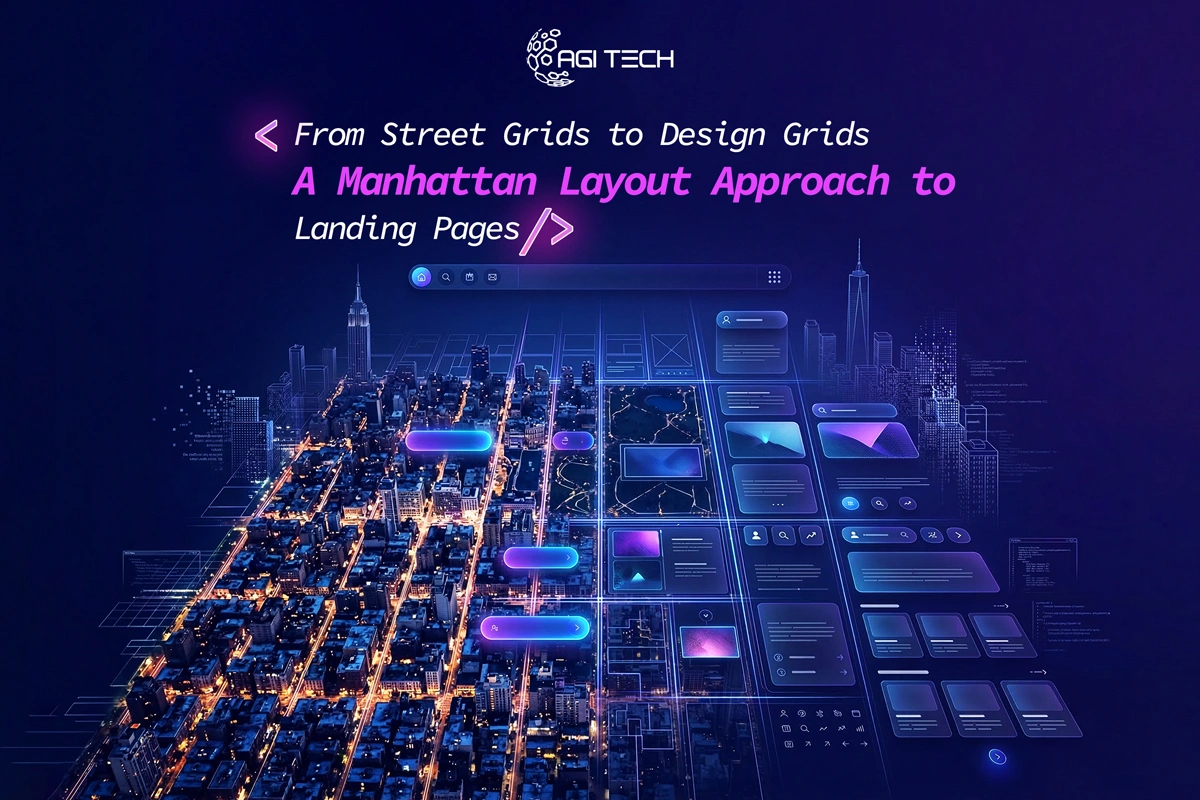
Manhattan runs on a grid for a reason: it helps people move with less friction. A landing page should do the same. This Manhattan layout approach to landing pages uses the same logic, clear routes, predictable “blocks,” and obvious intersections, to guide visitors from click to conversion without confusion.
Manhattan’s grid is structured, but it isn’t “one-size-fits-all.” The Commissioners’ Plan set consistent street widths and repeatable block patterns, then allowed variety where it mattered. The Museum of the City of New York notes key dimensions: avenues at 100 feet, standard cross streets at 60 feet, and blocks that are 200 feet north-to-south, while east-to-west block lengths vary (with examples like 620-640 feet, 800 feet, and 920 feet in parts of the plan).
Translate that to landing pages:
The point isn’t to copy Manhattan. It’s to copy the logic: order first, personality second.
Manhattan navigation works because avenues give you a consistent direction. Landing pages convert better when they also have a single dominant route: one core action (book a call, request a quote, start a trial, buy).
If your page asks people to “Book a demo,” “Download a brochure,” and “Follow us on Instagram” with equal weight, you’ve basically created a Midtown intersection at rush hour.
In my experience, NYC companies most often lose conversions because they treat the landing page like a homepage. The fix is simple: one primary CTA, with supporting micro-CTAs used sparingly.
This is one of the most common People Also Ask questions, and it’s where the Manhattan metaphor really works.
Above the fold is your Times Square intersection: the moment someone decides whether to keep walking or hop on the next train (back button). It should answer, fast:
A quick “above the fold” checklist (keep it tight):
A grid system is simply a set of alignment rules that keeps content consistent—columns, spacing, and section rhythm. It matters because it reduces decision fatigue. People don’t “admire” structure; they move faster through it.
Here’s the conversion angle: Unbounce’s 2024 benchmarks found lower reading difficulty correlates with more conversions. Pages written at a 5th–7th grade level had an 11.1% median conversion rate, compared to 5.3% for pages written at a college reading level.
A grid supports that by making the page easier to scan: shorter line lengths, clearer headings, and less visual noise.
If your team uses Figma, CSS Grid, Bootstrap, or a design system, you’re already halfway there. The win comes from applying the grid to the content hierarchy, not just pixels.
Think of this as a repeatable street pattern you can adapt across campaigns.
Make it concrete: what you do + who it helps + the outcome.
Show the offer quickly: screenshot, before/after, short demo clip, or service diagram.
Not feature soup, benefits that map to intent.
Testimonials, ratings, short case notes, client logos, press mentions. If you operate locally, NYC trust signals help: borough references, neighborhood service areas, or local partners.
A short, 3–5 step path. Clear steps lower anxiety.
Not everything needs exact pricing, but people need expectations.
If you use a form, ask only what sales truly needs.
Another PAA classic. There’s no magic number, but the benchmark data gives clues about behavior.
Unbounce’s dataset summary (via MarketingProfs) reports that 82.9% of visitors access landing pages via mobile, and that desktop visitors had a slightly higher average conversion rate (12.1% vs 11.2%).
That means your “section count” should be judged on mobile scroll comfort and content density, not on how long the page looks on a 27-inch monitor.
A practical rule I use:
The layout is not only visual. It’s performance, too, especially for SEO and paid traffic.
Google recommends targets for Core Web Vitals:
Also, INP replaced First Input Delay as a Core Web Vital in March 2024.
For landing pages, this usually means: compress hero media, avoid heavy sliders, be careful with third-party scripts, and stabilize layout so buttons don’t “jump” mid-scroll.
The same landing page won’t work equally well for SEO, PPC, and Meta ads, because the “entry station” changes.
Unbounce’s 2024 benchmarks (via MarketingProfs) reported email traffic had the highest average conversion rate at 19.3%.
So if email converts best, your layout can be more direct, less persuasion, more action. Paid social often needs more proof. Search traffic needs stronger relevance and clearer matching to the query language.
If you’re running ads in New York, your channel stack should align with your page build:
A clean grid also supports accessibility: predictable focus order, readable spacing, tappable targets, and consistent help patterns.
WCAG 2.2 became a W3C Recommendation on October 5, 2023.
Even if you’re not building for the government, accessibility is a conversion multiplier, especially on mobile where small tap targets and unclear focus states quietly kill leads.
A Manhattan block isn’t “done” because the sidewalk got poured. It stays useful because it’s maintained.
Your landing page maintenance loop should include:
Unbounce’s CRO examples include cases like achieving a 104% month-over-month increase by changing CTA button text, illustrating how small interface decisions can materially move outcomes.
The exact uplift will vary, but the principle holds: don’t redesign everything, test the highest-leverage intersections first.
If you’re aiming for a polished brand experience across pages, align landing page typography, spacing, and components with the same standards you’d expect from custom website designers in New York. It keeps campaigns from looking “temporary,” which matters for trust.
A clear hierarchy, one primary CTA, strong proof near the top, and sections that answer objections in the order people actually ask them.
It depends on intent. For high-intent search and email, one page often works well. For colder paid traffic, a short funnel can outperform because it separates education from conversion.
Usually no. If you keep navigation, reduce it to one or two low-distraction links (like “Case Studies” or “Contact”) and keep the primary CTA visually dominant.
Start with relevance (query-matched copy), then performance. Aim for Google’s Core Web Vitals targets, LCP ≤ 2.5s, INP < 200ms, CLS < 0.1.
Benchmarks from Unbounce’s 2024 analysis (summarized by MarketingProfs) found pages written at a 5th-7th grade reading level had 11.1% median conversion, compared to 5.3% for college-level copy.
Manhattan rewards people who keep moving with purpose. Your landing page should do the same: one clear route, repeatable blocks, fewer confusing intersections, and constant upkeep. Build it with this Manhattan layout approach to landing pages, and you’ll have a page structure that’s easier to scale, easier to test, and easier for real humans to convert on.
From branding to digital solutions, let’s take your business to the next level together.