
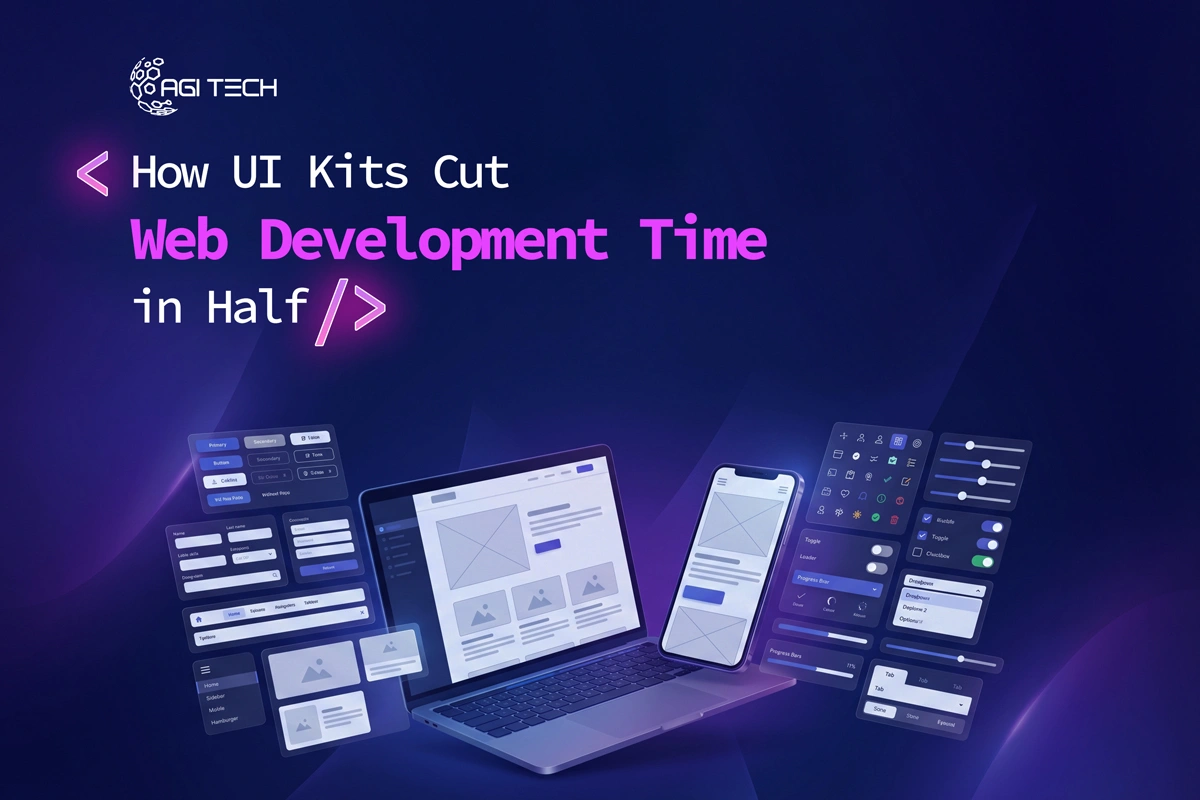
Web development projects often slow down for one simple reason: repetition. Developers rebuild buttons, forms, navigation menus, and layouts again and again. UI kits solve this by turning repetitive work into reusable systems.
A well-structured UI kit can reduce development time by up to 40-60% by replacing manual coding with pre-built, tested components.
UI kits cut web development time in half by providing reusable, pre-designed components that eliminate repetitive coding, speed up prototyping, reduce bugs, and improve team collaboration.
A UI kit is a collection of ready-made interface elements such as buttons, forms, cards, navigation bars, icons, and layouts. These elements follow a consistent design system and are often compatible with tools like Figma, React, Bootstrap, or Tailwind.
Instead of building everything from scratch, developers assemble interfaces using pre-built components. This approach shifts development from “creation” to “composition.”
In practice, UI kits act like a modular system. You don’t carve each brick, you assemble the structure.
Every modern website uses repeating UI patterns. Without a UI kit, developers write the same HTML, CSS, and JavaScript repeatedly.
UI kits eliminate that cycle.
This alone can reduce frontend coding time by 50-70% for common UI elements.
Result: Faster builds without sacrificing quality.
UI kits allow teams to move from idea to visual prototype quickly.
Instead of designing screens from scratch:
This reduces back-and-forth revisions, which are often the biggest hidden time cost.
According to industry insights, UI kits enable rapid prototyping and streamlined workflows by providing ready-made elements.
One major delay in web projects happens between design and development.
UI kits solve this by:
Teams working with shared UI systems report up to a 70% reduction in design-to-development time.
UI kits are usually pre-tested across browsers and devices.
This means:
Organizations using reusable UI systems report a 50% reduction in UI bugs.
Less debugging directly translates to faster delivery.
Responsive design can consume a large portion of development time.
UI kits handle this automatically:
This can reduce responsive development effort by up to 90% for UI behavior adjustments.
Without a UI kit, teams often debate design choices repeatedly:
UI kits remove these decisions by defining standards upfront.
This consistency reduces friction and speeds up both design and development workflows.
Time savings directly impact cost.
Studies show:
When teams spend less time coding repetitive elements, they can focus on features that drive business value.
Let’s break it down:
Without UI Kit:
Total: ~10-15 days
With UI Kit:
Total: ~6-8 days
That’s nearly a 50% reduction in delivery time, consistent with industry benchmarks.
Teams that build their own custom UI kits see the biggest gains. Generic kits speed up early stages, but tailored systems align better with business logic, branding, and scalability. Based on current trends, companies investing in internal design systems gain long-term speed, not just short-term convenience.
UI kits are powerful, but not perfect.
They may slow you down when:
In those cases, teams spend time modifying or overriding components.
The key is choosing the right kit, or building one tailored to your workflow.
To actually cut development time in half, follow these practices:
When implemented correctly, UI kits become infrastructure, not just assets.
No. UI kits reduce repetitive work but still require developers for logic, customization, and integration.
UI kits are faster for standard interfaces. Custom design is better for unique, brand-heavy experiences.
A UI kit is a collection of components. A design system includes guidelines, rules, documentation, and governance around those components.
Indirectly, yes. Faster development and consistent UI improve performance, user experience, and Core Web Vitals, which impact SEO rankings.
Most teams report 40-60% faster development when using structured UI component libraries.
Yes. In fact, they are more valuable at scale because they maintain consistency across multiple teams and features.
Popular tools include Figma, Adobe XD, React libraries, Bootstrap, and Tailwind CSS-based kits.
Yes. Centralized components make updates easier and reduce technical debt over time.
UI kits don’t just speed up development, they change how teams build products. By removing repetitive work, standardizing design, and reducing errors, they allow teams to focus on what matters: functionality and user experience.
If your goal is faster delivery without compromising quality, UI kits are not optional anymore, they’re foundational.
And when implemented correctly, they don’t just save time, they compound efficiency across every project you build.
From branding to digital solutions, let’s take your business to the next level together.