
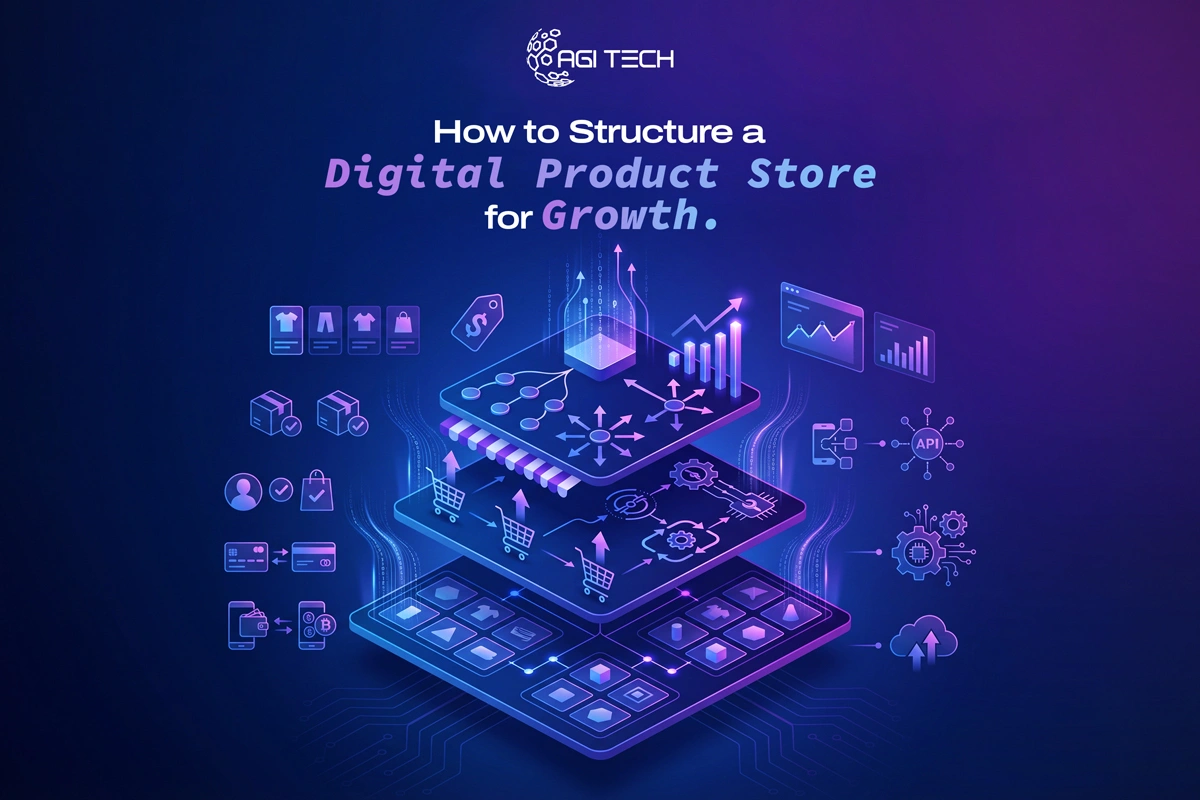
Building a digital product store is not just about uploading files and adding a checkout button. The structure you choose directly affects discoverability, conversions, and long-term scalability. A well-organized store guides users from discovery to purchase without friction, while also helping search engines understand and rank your content.
A high-growth digital product store is structured around clear product categorization, SEO-optimized pages, streamlined navigation, trust signals, and conversion-focused funnels that guide users from discovery to purchase efficiently.
A poorly structured store confuses users and limits visibility in search engines. A strong structure does the opposite: it improves rankings, reduces bounce rate, and increases conversions.
According to a study by Nielsen Norman Group, users leave a website within 10-20 seconds if they can’t find what they need quickly. That makes structure a core growth factor, not just a design choice.
From an SEO standpoint, Google’s documentation highlights that clear site architecture helps crawlers index pages more effectively.
Based on current trends, stores that scale well treat structure as part of their marketing system, not just a technical setup.
The foundation of your store is how your products are grouped.
Think in terms of categories, subcategories, and product types. This helps both users and search engines understand your offering.
Each level should target a specific keyword cluster. This creates multiple entry points for organic traffic.
In my experience, stores that skip this step often end up with scattered product pages that compete with each other instead of supporting each other.
Most store owners focus only on product pages. That’s a mistake.
Category pages often rank for broader, high-volume keywords like:
This aligns with how search engines interpret topical authority.
If you’re working on improving SEO without external help, this approach aligns well with strategies discussed in how to improve website SEO without hiring an agency.
Your product page is where decisions happen. Structure it for clarity and trust.
According to HubSpot, adding video to product pages can increase conversions by up to 80%.
From a practical standpoint, users buying digital products want reassurance. The more clearly you show value, the easier the purchase decision becomes.
Navigation should feel obvious, not clever.
Stores that grow fast prioritize speed and clarity. If a user has to think too much, they leave.
If you are building your store from scratch, working with a team offering custom website designers in New York can help implement scalable navigation frameworks.
A digital product store should not rely only on direct purchases. Structure it like a funnel.
This approach aligns with how users actually make decisions online.
For example:
This structure increases lifetime value, not just one-time sales.
Content is not separate from your store. It feeds it.
According to Demand Metric, content marketing generates 3x more leads than traditional marketing while costing 62% less.
In practice, this means your store should not be just a catalog. It should be a resource hub.
Many stores treat SEO and design as separate tasks. That leads to problems.
Instead, align both:
For example:
If you are scaling aggressively, working with a web development company in New York can help align technical SEO with performance optimization.
Digital products don’t have physical proof. Trust becomes critical.
According to a BrightLocal survey, 98% of consumers read online reviews before making a purchase.
In my experience, even a few genuine testimonials can significantly improve conversion rates.
More than half of digital purchases now happen on mobile devices.
Statista reports that mobile eCommerce accounts for over 60% of global online sales.
A store that works well on desktop but poorly on mobile will struggle to scale.
Many stores are built for the first 10 products, not the next 100.
Plan ahead:
If you plan to expand into apps or advanced features later, a mobile app development company in New York can help extend your store beyond the website.
Your first structure won’t be perfect. Data helps refine it.
Tools like Google Analytics and Hotjar show where users struggle.
Based on current patterns, stores that review data monthly outperform those that rely on assumptions.
A digital product store that grows consistently is not built randomly. It is structured with intent. From product hierarchy to navigation, from SEO pages to conversion funnels, every layer works together.
If you treat your store as a system instead of a collection of pages, growth becomes predictable. And when done right, your structure itself becomes your strongest marketing asset.
Group products into clear categories and subcategories, optimize each page for search intent, and guide users with a simple navigation system.
Platforms like Shopify, WooCommerce, and custom-built solutions work well. The best choice depends on your scalability needs and technical resources.
There is no fixed number, but most successful stores keep 3-7 main categories to avoid overwhelming users.
Yes. Blogs help attract organic traffic, educate users, and drive them into your sales funnel.
Improve product pages with clear benefits, add social proof, simplify navigation, and use funnels instead of relying only on direct sales.
From branding to digital solutions, let’s take your business to the next level together.


